


Claude Pricing (2026): Plan Comparison, Subscription & How to Pay
If you are comparing Claude pricing, the first thing to know is that Claude is sold in two quite different ways: a consumer and team subscription for the Claude app and website, and a pay-as-you-go API for developers. This guide walks through the Claude plans, explains how the subscription is billed, shows how to pay step by step, and covers what to do when a payment fails.
Prices, limits and features change often, and they differ by country, currency and tax. Treat the descriptions below as a map of how things are organized, and always confirm the exact amount on Anthropic’s official pricing page before you pay.
Claude plans at a glance
| Plan | Who it is for | What you generally get |
|---|---|---|
| Free | Casual users and first-time testers | Access to Claude with tight usage limits that reset over time |
| Pro | Individuals who use Claude daily | Higher usage limits, access to more models and features, such as projects and extended thinking |
| Max | Heavy users and developers | Several times the Pro usage allowance, offered in more than one tier, with priority access to new features |
| Team | Small and mid-sized groups | Seat-based billing, shared workspace, admin controls and higher limits |
| Enterprise | Large organizations | Custom contract, single sign-on, security and compliance controls |
| API | Developers building products | Pay per token used, billed from prepaid credits or usage |
A useful way to choose is by how often you hit a limit. If the free plan stops you a few times a week, the Pro plan is the natural upgrade. If you run long coding sessions or large documents every day and still hit the cap on Pro, that is when Max starts to make sense.
How the Claude subscription works
A Claude subscription is a recurring plan. You choose monthly or annual billing, and the plan renews automatically until you cancel. Annual billing usually works out to a lower monthly equivalent, but you pay for the year up front.
A few points that confuse new users:
- Usage limits are not unlimited. Even paid plans have limits, which depend on message length, attachments and the model you pick.
- The app subscription and the API are separate. Paying for Claude Pro does not give you API credits, and API credits do not unlock Pro features.
- Price varies by platform. If you subscribe through the iOS or Android app, the store may add its own fees, so the total can differ from the web price.
- Taxes can be added. Depending on your country, sales tax or VAT may be added at checkout.
Claude Pro plan: is it worth it?
The Claude Pro plan suits people who use an AI assistant for writing, research, analysis and coding every day. The main benefits are more room to work before you hit the limit, longer conversations, and access to more capable models and tools.
Before you subscribe, do a quick check:
- Count how many days in the last two weeks you hit the free limit.
- Think about whether the extra features, such as projects and file analysis, will save you time.
- Compare the monthly Claude Pro pricing against what an hour of your time is worth.
If the answer to the first two is “often,” Pro usually pays for itself quickly. If you only use Claude once or twice a week, the free plan may be enough.
Claude API pricing
The API is billed by usage. You are charged per million input tokens and per million output tokens, and each model has its own rate; larger models cost more than smaller, faster ones. You normally add prepaid credits in the Anthropic Console and the balance goes down as you make requests.
To control cost, you can set a spending limit, enable alerts, pick a smaller model for simple jobs, and use caching or batch options where available. Check the official pricing table for current per-token rates, since they change when new models are released.
Accepted payment methods
- Credit and debit cards. Visa, Mastercard and American Express are the most widely supported.
- App store billing. On iPhone and Android, you may subscribe through Apple or Google billing.
- Invoices for organizations. Team and Enterprise customers may be able to pay by invoice after talking to sales.
- Virtual cards. Many users pay with virtual credit cards. Make sure the card allows online recurring subscription charges and supports 3-D Secure.
Availability depends on the country of your account and billing address. If the plan is not offered in your region, the upgrade button may be missing or the payment may be declined.
How to pay for Claude, step by step
- Sign in at the Claude website with your account.
- Open your account settings and go to the billing or upgrade page.
- Pick a plan and choose monthly or annual billing.
- Enter your card details and billing address exactly as the bank has them.
- Review the total, including tax, and confirm.
- Complete any 3-D Secure verification your bank asks for.
- Refresh the page and confirm your account now shows the paid plan.
For the API, sign in to the Console, open the billing page, buy credits, and then set your usage limits.
Billing and invoices
Your receipts and invoices are available from the billing page. Keep them if you need to expense the subscription. To stop future charges, cancel auto-renewal before the next billing date; you normally keep paid access until the end of the current period. If you are on a Team plan, seat changes may be prorated, so check how the change is billed.
Payment failed? Common fixes
- The card is declined. Ask your bank to enable online and international payments.
- Insufficient balance. Pre-authorizations can briefly hold funds, so keep a margin.
- Address mismatch. Re-enter the billing address exactly as it appears on the card statement.
- 3-D Secure not completed. Watch for the SMS or bank app prompt and approve it quickly.
- Virtual card refused. Try a different card or issuer.
- Too many attempts. Wait a while before retrying so you do not trigger fraud checks.
- Charged but not upgraded. Check the billing history, then contact support with the receipt.
If paying directly is difficult, a reliable third-party activation service is an option, but choose one that gives proof of purchase and clear after-sales terms.
Typical Claude Users and What Works for Them
- Casual users who mostly chat and write: Start on the free Claude plan and only move up when you hit usage limits repeatedly. Paying before you know your real usage is the most common way people overspend on any AI subscription, so give yourself a week of honest tracking first.
- Heavy users who work in long documents and projects: If you regularly upload long files, keep multi-day projects, or run long coding sessions, the higher individual tiers exist for exactly that. Check the current plan page for how usage is described, because Anthropic adjusts how limits are presented from time to time.
- Teams that need shared billing and admin controls: A team plan puts everyone on one invoice, with an admin who can add and remove seats. That matters more than raw price when you need someone other than the individual user to own the subscription and its receipts.
- Developers who build on the Claude API: The API is billed separately through the Anthropic Console on a pay-as-you-go basis with prepaid credits. A consumer subscription does not include API credit, and API spend does not unlock the chat plan, so treat them as two different accounts of money.
Claude at a Glance
- Typical use: long-document work, writing, analysis and coding.
- What you need: an email sign-in and, for paid plans, a payment method that works internationally.
- Common friction: regional availability limits, declined payments, and mixing up web subscriptions with API credits.
- Security tools: a strong password, protection of the sign-in email and session management.
Which Claude Route Fits? Comparison and Verdict
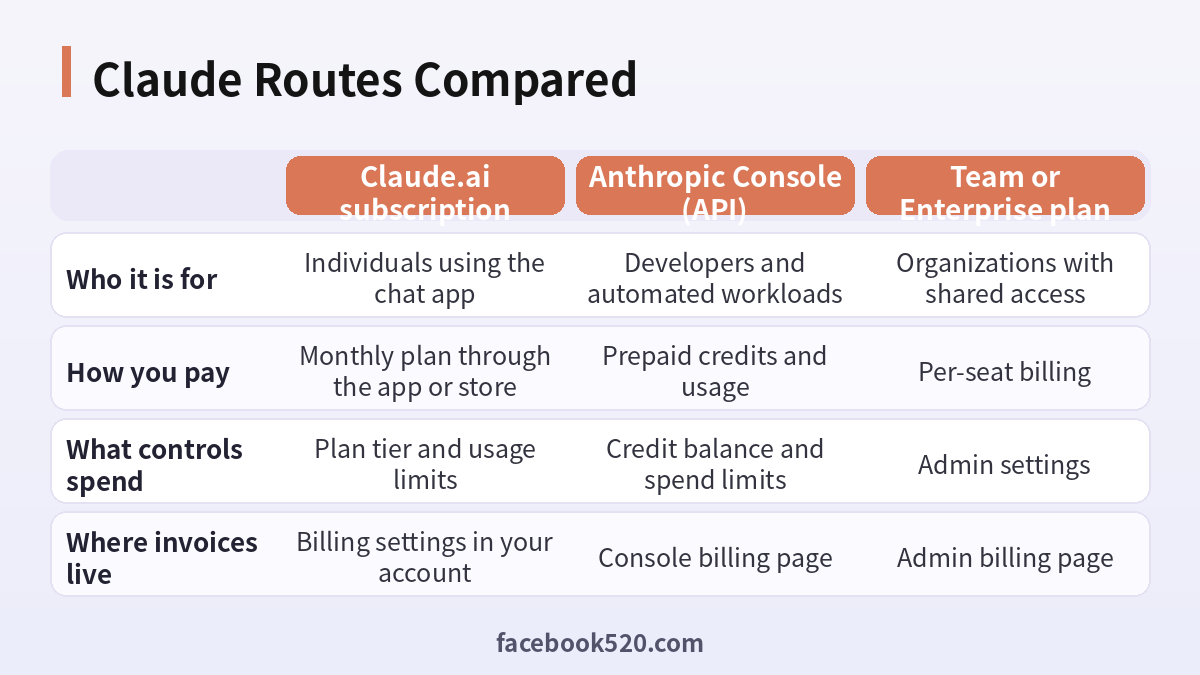
| Factor | Claude.ai subscription | Anthropic Console (API) | Team or Enterprise plan |
|---|---|---|---|
| Who it is for | Individuals using the chat app | Developers and automated workloads | Organizations with shared access |
| How you pay | Monthly plan through the app or store | Prepaid credits and usage | Per-seat billing |
| What controls spend | Plan tier and usage limits | Credit balance and spend limits | Admin settings |
| Where invoices live | Billing settings in your account | Console billing page | Admin billing page |
Verdict: If you only chat, the Claude.ai subscription is the right place to spend money and the free plan is the right place to start. If you call Claude from code, you need Console credits instead. Teams should compare the Team plan against individual plans mainly on admin control and invoicing, and check the official pricing page on the day you buy because tiers and limits change.
How to pay for Claude without surprises
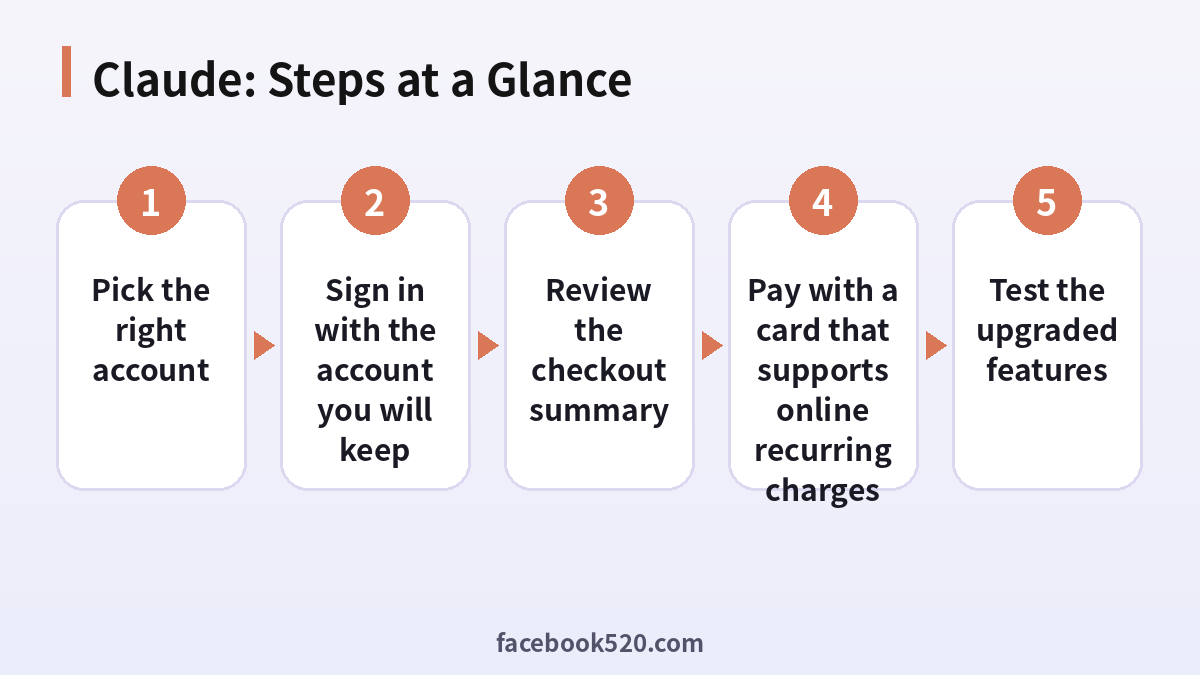
- Pick the right account: Decide whether you need the Claude.ai chat plan, the Console API, or a team workspace before you open any payment form.
- Check the live plans page: Open the official Claude pricing page and read the current tier names, features and price in your currency rather than relying on screenshots.
- Sign in with the account you will keep: Use the email you plan to keep long term, because the subscription attaches to that login and moving it later is painful.
- Review the checkout summary: Look for the billing currency, any tax line, and whether the plan renews monthly or yearly before you confirm.
- Pay with a card that supports online recurring charges: Some cards are declined for subscriptions from abroad. If the first attempt fails, try one more method instead of retrying many times.
- Save the first receipt: Download the invoice from billing settings and note the renewal date in your calendar.
- Test the upgraded features: Open a long conversation or a Project and confirm the higher limits or new features actually appear.
Common Claude Errors and What to Do
| Symptom | Likely cause | What to do |
|---|---|---|
| Card declined at checkout | The issuer blocks overseas or recurring online payments | Call the issuer, or try a different card. Do not retry more than a couple of times. |
| Charged but still on the free plan | Session not refreshed or paid under another email | Sign out and back in, then check which email the receipt was sent to. |
| Plan shows as unavailable in my country | Region support differs by plan and payment method | Check the official supported regions page and use a payment method issued in a supported place. |
| Hit the usage limit right after upgrading | Long conversations and large files consume usage faster | Start a fresh chat, trim attachments, or split the work across sessions. |
| API requests fail with a billing error | Console credit balance is empty or the key belongs to another organization | Check the credit balance and that the key was created in the right organization. |
| Two invoices for the same month | A subscription was started through both web and an app store | Cancel the extra one in the channel where it was created. |
Claude Pro versus Max: how to think about it
Pro is the default paid tier for individuals who want more usage and access to additional features. Max tiers are aimed at people who regularly exhaust Pro limits, for example in long coding sessions or document-heavy research. The honest test is whether you hit limits more than once or twice a week. If not, Pro is plenty; if yes, price the Max tiers against the time you lose waiting for limits to reset.
Subscription and API are separate on purpose
The consumer plans and the Console API use different billing systems. That means a Pro subscription cannot be used to pay for API calls, and API credit cannot be used to unlock Pro. If you are a developer who also chats with Claude, you will see two sets of invoices, and you should keep them in separate folders for bookkeeping.
What affects how fast you use up your allowance
Usage depends on the length of the conversation, the size of attached files, and which model you select. A single very long thread resends context repeatedly, so starting a new chat for a new topic often stretches your allowance further than upgrading would.
Regional and tax notes
The final price can include local tax depending on your billing country, and the payment methods offered at checkout can differ by region. Always read the total on the checkout summary page, and treat any figure quoted in a blog post as a rough guide rather than the amount you will be charged.
Cancelling and downgrading
You can cancel renewal from the billing settings, and paid features generally remain until the end of the period you already paid for. If you subscribed through an app store, you must cancel there instead. Set a calendar reminder two days before renewal if you are on a trial or an uncertain month.
Using Claude for work expenses
If the cost is reimbursed, ask your finance team whether they need a company name on the invoice and whether the receipt must show tax details. Update the billing details before the first payment, because invoices usually cannot be reissued with a different company name afterwards.
Keeping an eye on changes
AI plans change quickly, with new tiers and renamed features appearing several times a year. Treat this article as a decision framework and the official page as the source of truth for exact names and prices.
Claude Self-Check List
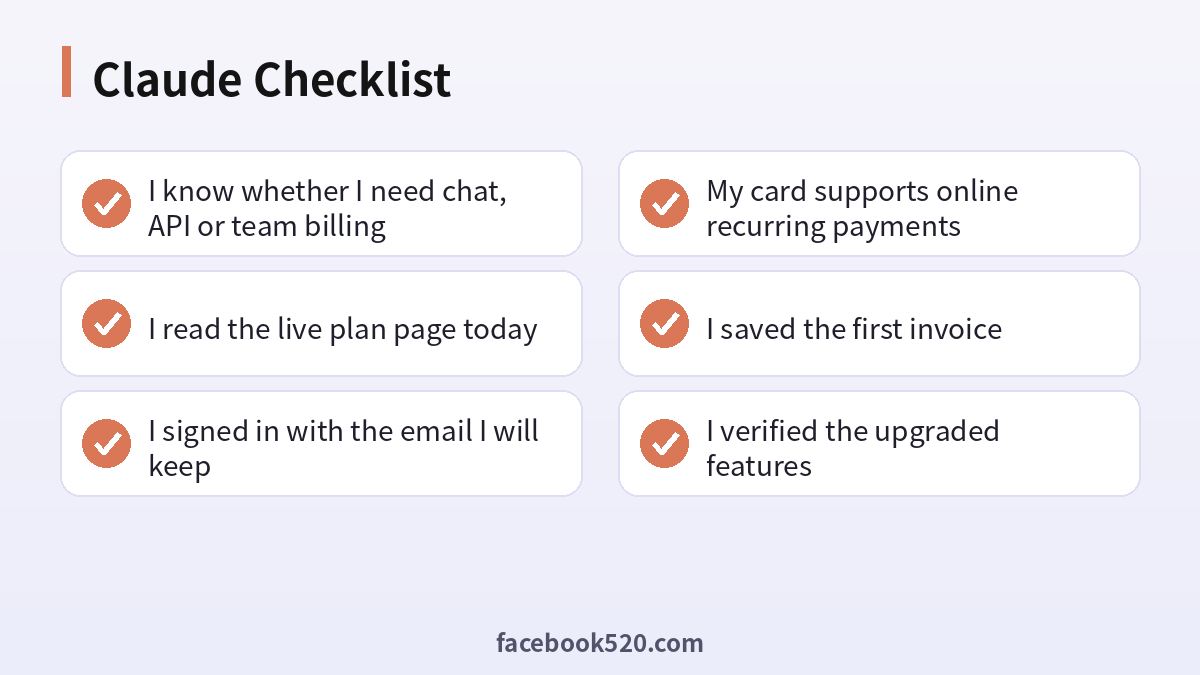
- I know whether I need chat, API or team billing
- I read the live plan page today
- I signed in with the email I will keep
- My card supports online recurring payments
- I saved the first invoice
- I verified the upgraded features
- I set a reminder before renewal
Related guides
- Chinese readers can follow the full walkthrough in Claude订阅充值与付款教程.
- Compare other assistants: Gemini Pro 2026: Plans, Pricing & How to Pay and ChatGPT Subscription 2026: Plans, Pricing & How to Pay.
- See which sites AI assistants cite most: ChatGPT, Gemini, Perplexity, Claude, Copilot 等 AI 平台最喜欢引用的100个网站.
FAQ
How much is Claude Pro per month?
It has been priced at around twenty US dollars per month in the US, with a lower effective monthly price on annual billing. Your price may differ by country and tax, so check the checkout page.
Is there a free Claude plan?
Yes. The free plan lets you try Claude with limited usage.
Does Claude Pro include the API?
No. The API is billed separately through the Anthropic Console.
Can I cancel anytime?
Yes. Cancel auto-renewal in your billing settings and keep access until the paid period ends.
What is the difference between Pro and Max?
Max provides much higher usage limits and early access to features, aimed at people who exhaust the Pro limits regularly.
Can I pay for Claude annually to save money?
Some plans may offer annual billing in some regions. Check the checkout page: if a yearly option exists it will be shown with the effective monthly rate.
Why was my Claude payment declined?
The most common causes are the issuer blocking overseas recurring charges, a mismatch in billing country, or insufficient funds. Contact your bank before trying again.
How do I know which Claude plan I am on?
Open your account settings and look at the plan name and renewal date in the billing section.
Can two people share one Claude Pro subscription?
A subscription belongs to a single account and sharing a login is against typical terms of use. Teams should use the Team plan with separate seats.
What happens to my chats if I cancel?
Your account remains and you move back to the free plan at the end of the paid period. Existing conversations are generally kept, although higher limits and paid features stop.
Is the Claude app on iPhone priced the same as the website?
Prices in app stores can differ from web prices because of store fees and taxes. Compare the total in both places before subscribing.
How do I get an invoice with my company details?
Update the billing name and tax information in settings before the first payment, then download invoices from the billing page.
Does Claude offer a student or nonprofit discount?
Offers vary by time and region. Look for education or nonprofit programs on the official site rather than trusting third-party listings.
Where do I see API spend?
In the Console billing and usage pages, which show credit balance, usage by key and any spend limits you have set.
