


ChatGPT Subscription (2026): Plans, Pricing & How to Pay
Choosing a ChatGPT subscription is easier once you know what each plan is for. OpenAI offers a free tier, several paid personal plans, and business plans, and the names and prices have been adjusted a few times. This guide explains the main ChatGPT plans, what you generally get with each, how the ChatGPT price is structured, how to pay, and how to fix common billing problems.
Plans, limits and prices differ by country and change over time, so always confirm the amount on OpenAI’s official pricing page and your checkout screen before paying.
ChatGPT plans compared
| Plan | Best for | What it generally offers |
|---|---|---|
| Free | Trying ChatGPT or occasional use | Access to a default model with limited usage and fewer features |
| Plus | Individuals who use ChatGPT regularly | Higher limits, access to more capable models, file and image tools, voice, and more advanced features |
| Pro | Professionals and power users | The highest limits and the most advanced model access, at a much higher monthly price |
| Business (Team) | Small teams | Seat-based plan with a shared workspace, admin controls and data protections |
| Enterprise and Edu | Large organizations and schools | Custom contracts, single sign-on, security and compliance features |
Some regions also have lower-cost entry plans from time to time. Whether one is offered to you depends on where you live.
ChatGPT Plus subscription
The ChatGPT Plus subscription is the plan most individuals choose. It has historically been priced at around twenty US dollars per month, with the exact price depending on region and taxes. It is aimed at people who want more room to work, access to stronger models, and extra tools such as data analysis, image generation and custom GPTs.
You can usually tell it is worth it if you hit the free limits regularly, or if you use ChatGPT as part of your daily work such as writing, coding, translating, research and planning.
ChatGPT Pro subscription
The ChatGPT Pro subscription is a premium tier, priced at several times the Plus plan. It is meant for users who need the highest usage limits and the most advanced reasoning models for demanding work, such as long research tasks, large coding projects and heavy analysis. Unless you routinely run into Plus limits, you likely do not need it. You can start on Plus and upgrade later.
ChatGPT price: how billing works
- Recurring billing. Plans renew automatically each month or year until canceled.
- Currency and tax. The final amount depends on your country, local currency and any VAT or sales tax.
- App store pricing. Subscribing through iOS or Android can cost a bit more than subscribing on the web, because stores add their own fees.
- Business plans are per seat. Teams pay per user, and the per-seat price can drop with annual billing.
- API is separate. The ChatGPT subscription does not include API credits.
Accepted payment methods
- Credit and debit cards. Visa, Mastercard, American Express and other major cards are usually accepted.
- Apple and Google billing. Available when you subscribe from the mobile app.
- Local methods. Depending on your region, additional methods may be available at checkout.
- Virtual cards. Many users pay with virtual cards; choose one that supports recurring online charges and 3-D Secure.
- Invoices. Enterprise customers may arrange invoiced payment.
The country listed in your billing profile and the country where the plan is offered must be compatible. If the plan is unavailable in your region, upgrade options may not appear.
How to pay for ChatGPT step by step
- Log in to your ChatGPT account on the web.
- Open your profile menu and select the upgrade option.
- Choose Plus, Pro, or a business plan and select monthly or annual billing if both are shown.
- Enter your payment details and billing address.
- Check the total and confirm the subscription.
- Approve any bank verification prompt.
- Return to ChatGPT and confirm that the plan name shows up in your account.
Your new limits and models are normally available immediately.
Billing and invoices
Billing history and receipts are available in the account’s billing section. To stop renewal, choose to cancel your subscription before the next billing date. You usually keep paid features until the current billing period ends. If you share a team plan, only the workspace owner or admin can manage seats and payment.
Payment failed? Common solutions
- Ask your bank to allow online and international payments.
- Keep a balance margin for pre-authorizations.
- Re-enter the billing address exactly as the card issuer has it.
- Finish 3-D Secure verification in time.
- Switch card if a virtual or prepaid card is refused.
- Wait before retrying if you have made several attempts.
- Charged but not upgraded? Refresh, sign out and in, check the billing section, then contact support with proof of payment.
When paying directly is not possible, a trustworthy third-party service can help, but pick one that provides a receipt and clear after-sales terms.
Who Uses ChatGPT and How: Scenarios
- Casual users: The free tier is meant for light everyday use. Upgrade when you routinely hit message limits or need access to features that are limited on free, not simply because a paid plan exists.
- Professionals who rely on it daily: Plus is the usual step for people who use ChatGPT many times a day. Look at which models, tools, file uploads and voice or image features are included at the moment you read the plans page.
- Power users and researchers: Pro-level plans are aimed at people who need the highest limits and access to the most capable models. Ask yourself how many hours a week you actually spend in the tool before comparing prices.
- Teams and developers: Team and Enterprise plans handle shared workspaces and admin controls. The OpenAI API is a separate product billed by usage, and is not paid for by a ChatGPT subscription.
ChatGPT at a Glance
- Typical use: writing, coding, data analysis and everyday Q&A.
- What you need: an email or phone sign-in and, for paid plans, a working payment method.
- Common friction: region limits, failed verification, declined payments and confusion between web and in-app subscriptions.
- Security tools: two-factor authentication, data-control settings and checks on logged-in devices.
Which ChatGPT Route Fits? Comparison and Verdict
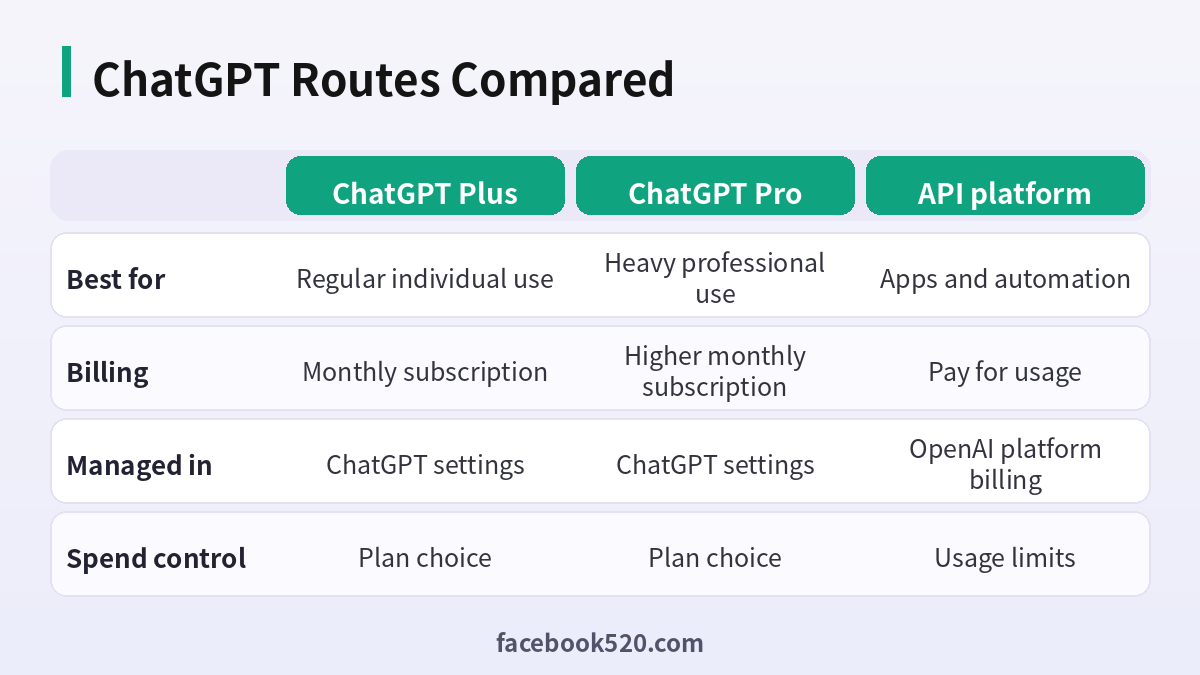
| Factor | ChatGPT Plus | ChatGPT Pro | API platform |
|---|---|---|---|
| Best for | Regular individual use | Heavy professional use | Apps and automation |
| Billing | Monthly subscription | Higher monthly subscription | Pay for usage |
| Managed in | ChatGPT settings | ChatGPT settings | OpenAI platform billing |
| Spend control | Plan choice | Plan choice | Usage limits |
Verdict: Choose based on measured usage: free if you rarely hit limits, Plus if you use it daily, Pro only if you are consistently limited and the work is worth it. Keep API spending on the platform billing page and set limits there. Always read the plan page on the day you pay, as models and limits are updated often.
Subscribe to ChatGPT without mistakes
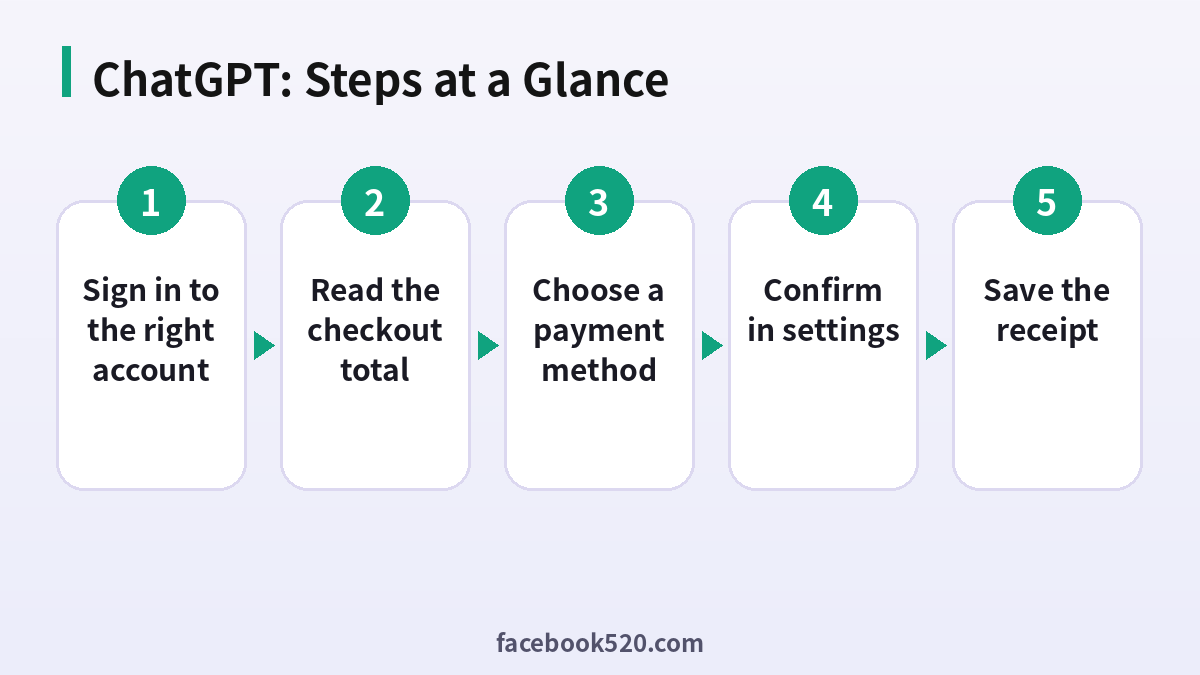
- Sign in to the right account: Subscriptions attach to a specific login. Check the email in your profile before you pay.
- Open the plans page: Use the in-app upgrade option and compare current plan names, models and limits.
- Read the checkout total: Look at tax and the billing period. Do not assume the price shown in a blog is what you will be charged.
- Choose a payment method: Cards are the standard option and some regions offer wallets. Make sure the card allows online recurring payments.
- Confirm in settings: Open Settings and check the plan name, renewal date and any pending change.
- Test a plan-only feature: Open a model or tool that was locked before and run a short test.
- Save the receipt: Download the invoice from the billing portal for your records.
Common ChatGPT Errors and What to Do
| Symptom | Likely cause | What to do |
|---|---|---|
| Payment declined | The issuer blocks the transaction or the country is unsupported | Try a different card, or contact the issuer. |
| Plus active but old limits apply | Session needs a refresh or you are on another account | Sign out and in again and verify the email. |
| Charged for a plan I did not want | Subscribed from the web and an app | Cancel the duplicate and ask support for a refund. |
| Cannot find where to cancel | Subscribed through an app store | Cancel in that store account instead of the web. |
| API calls fail after subscribing | Consumer plans do not fund the API | Add credit on the platform billing page. |
| Team seat missing | Invitation not accepted or seat not assigned | Ask the workspace admin to resend the invite. |
Plus or Pro: the practical test
Count how many times a week you hit a limit. If it is rarely, Plus is enough. If you consistently run into limits or need the most capable models for work that pays for itself, then Pro may be justified. If you cannot name a concrete task, you probably do not need it.
Why ChatGPT billing and API billing are separate
The ChatGPT app and the API are separate products with separate accounts of money. Developers should create an API key in the platform dashboard and set a monthly limit there, and keep the ChatGPT subscription only for the chat experience.
App store price differences
Subscribing through iOS or Android may include store fees and different taxes, so the total can differ from the web price. Compare totals and choose one channel, because cancelling is easiest in the channel where you subscribed.
Tax and invoices
Business buyers should enter company details before the first payment. Invoices may not be reissued later with new company names, and tax treatment depends on your location and billing address.
Data controls and what you pay for
A paid plan does not automatically change your data settings. Review the data controls and memory options in Settings so that your preferences match your needs regardless of plan.
Cancelling safely
Cancel before renewal from the billing page or store. Paid access normally continues until the end of the period. Keep your receipts and a note of the cancellation date.
When prices change
Prices and plan features change. Read the plan page on the day you pay, and review your subscription every few months.
Free tier honesty check
Before paying, run your three most common tasks on the free tier for a week. Note when you were blocked and by what. If the blocks were rare, stay free. If they cost you real time, then you have a measurable reason to upgrade, and you can judge the price against that cost.
Mobile versus web experience
The mobile apps and the website expose most of the same plan features, but some functions roll out on one platform first. If a feature you want seems missing after subscribing, try the other platform before contacting support.
Keep your account email secure
Your subscription, receipts and recovery all depend on the account email. Use a strong unique password, turn on multi-factor authentication, and avoid logging in on shared computers. A hijacked account means a hijacked subscription.
Group purchases and reimbursement
If your team reimburses AI subscriptions, ask finance whether they prefer individual plans with expense reports or a Team plan with one invoice. Individual plans are quick to start but make auditing harder as the team grows.
Free, Plus and Pro in one sentence
Free gets you the basics with tighter limits, Plus gives regular users more room and extra tools, and Pro serves people whose work depends on the highest limits and the most capable models. The right plan is the cheapest one that stops your work being interrupted.
Choosing a payment method that will not fail
Use a card in your own name and your own billing country, make sure online recurring payments are enabled, and keep a second card as a backup. Failed renewals can pause your access without warning, and a backup card prevents surprises.
Understanding what a receipt shows
A receipt lists the plan, the billing period, any tax and the payment method used. Check the last four digits of the card and the billing country, and keep each month’s receipt so you can resolve disputes quickly if the amount ever looks wrong.
Using ChatGPT safely at work
If you use ChatGPT for work, follow your company policy on sensitive data. Do not paste confidential customer information or credentials into any chat tool, and check the data controls in Settings so that your choices on training and history are deliberate.
Handling a failed renewal
If a renewal fails, you may be dropped to the free plan until the payment is fixed. Update the card in billing settings, retry the payment and confirm in Settings that the plan has returned. Do not buy a second subscription to fix it, as that creates duplicates.
Plan names change
OpenAI renames and restructures plans from time to time. If a name you read here does not match the page, trust the page, and compare the feature list instead of the label.
Quick reminder before you pay
Open the plans page, read the live feature list, confirm the account email, check the total with tax and make sure that your card allows recurring online payments. Those five checks prevent nearly every billing problem people report.
ChatGPT Self-Check List
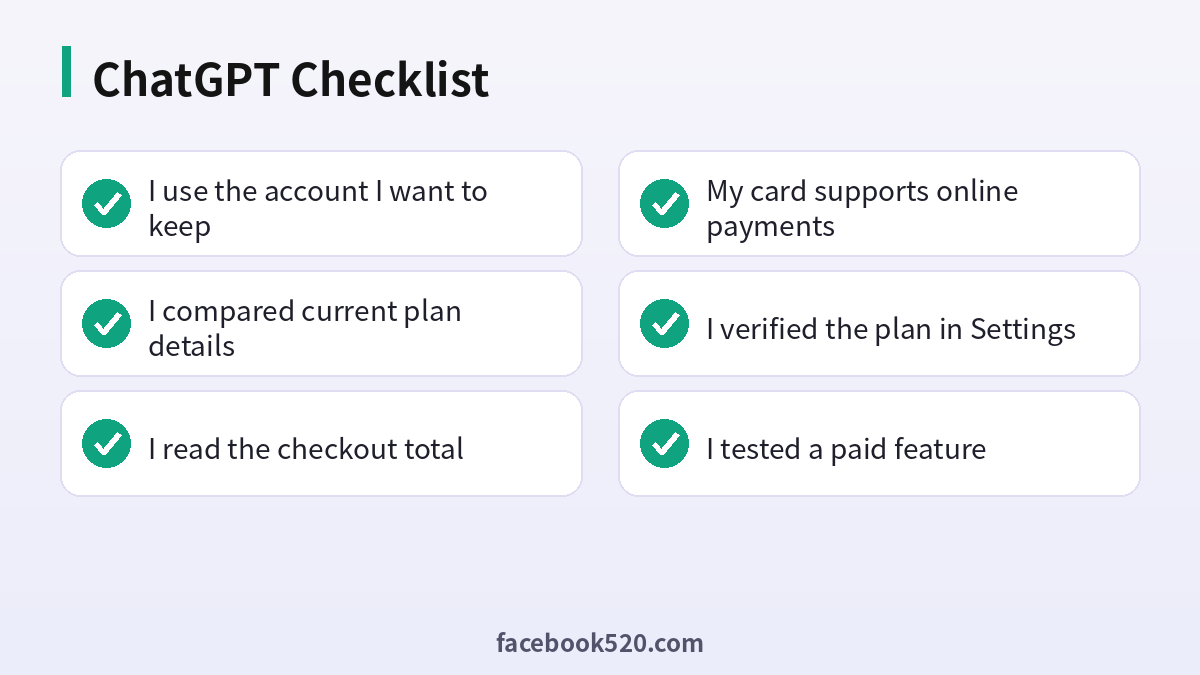
- I use the account I want to keep
- I compared current plan details
- I read the checkout total
- My card supports online payments
- I verified the plan in Settings
- I tested a paid feature
- I saved the receipt and renewal date
Related guides
- Chinese version: ChatGPT账号购买指南.
- Compare other assistants: Claude Pricing 2026 and Gemini Pro 2026.
- Which sites do AI models cite most? See ChatGPT、Gemini、Perplexity、Claude、Copilot 等 AI 平台最喜欢引用的100个网站.
FAQ
How much is ChatGPT Plus?
Around twenty US dollars per month in the US at the time of writing, though your price depends on country and tax.
Is ChatGPT Pro worth it?
Only if you regularly hit Plus limits or need the most advanced models for heavy professional work.
Can I cancel ChatGPT Plus anytime?
Yes. Cancel renewal in the billing settings and keep access until the paid period ends.
Is ChatGPT premium the same as Plus?
People often say “ChatGPT premium” to mean any paid plan. The official names are Plus, Pro, Business and Enterprise.
Does the subscription include the API?
No. The API is billed separately by usage.
Does ChatGPT Plus include the API?
No. The API is billed separately by usage on the platform.
Can I get a refund?
Refunds are decided by OpenAI or the store depending on where you paid. Contact support with your receipt soon after the charge.
Can I use one ChatGPT subscription on several devices?
Yes. You can sign in on multiple devices with one account, but sharing a login among different people is not allowed.
Why did my ChatGPT price change?
Price can change because of tax, currency or plan updates. Check the total on your most recent receipt.
Is ChatGPT Team different from Plus?
Team is for organisations that need shared workspaces and admin controls with per-seat billing.
Which payment methods work?
Cards are standard and other options depend on region. The checkout page shows what is available to you.
Do I need to enter a phone number to pay?
Phone verification is part of account setup in many regions, not of payment itself.
