


TikTok Sign Up (2026): Step-by-Step Guide to Create a TikTok Account
Opening an account is the first step to watching, posting and selling on TikTok. This TikTok sign up guide covers the simplest ways to register, what verification looks like, how to set up your profile so it is ready for posting, and how to add a second account. It also helps if you manage a brand or run a business, since a clean setup at the beginning makes later growth smoother.
TikTok updates its interface regularly, so labels may vary slightly between app versions and countries.
Before you start
- Install the TikTok app from the App Store or Google Play, or use the website on a computer.
- Choose a sign-up method. You can register with a phone number, an email address, or a connected account such as Google or Apple, depending on your region.
- Have your date of birth ready. Age settings affect which features are available.
- Pick a username idea. Short, memorable and related to your topic works best. You can change it later, with limits.
- Check your region. TikTok’s availability and features differ by country, and your app store region matters.
Step-by-step sign up
- Open the TikTok app and tap Profile, then Sign up.
- Choose how to register: phone or email, or continue with another service.
- If you use a phone number, select your country code, enter the number and request a code.
- If you use email, enter the address and set a password.
- Enter your birthday.
- Enter the verification code that TikTok sends you.
- Pick a username. TikTok will tell you if a name is already used.
- Tap Sign up or Continue to finish.
On the website, go to tiktok.com, click Log in, then Sign up and follow the same process.
Verification tips
- Use a number or email you own. You will need it for password recovery and security alerts.
- Request only one code at a time. Requesting many codes in a row can pause SMS delivery.
- Wait a minute before retrying. Messages can be delayed.
- Complete any captcha or slider puzzle carefully; it is part of anti-spam protection.
- Add a second contact method after sign-up, such as both phone and email, so you can recover the account.
- Turn on two-step verification in Security settings.
Account setup after registration
- Complete your profile. Add a clear profile photo, a short bio and any links that are available for your account type.
- Choose interests. TikTok asks what you like, which shapes your For You feed.
- Review privacy. Decide whether your account is private or public, and who can comment, duet or message you.
- Switch to a Business account if needed. In settings you can change to a business account for analytics and brand tools. Creators have a separate option.
- Watch before posting. Spend a few days watching, liking and commenting naturally. It helps the system understand your interests.
- Post your first video. Keep it short, clear and relevant to your niche, and use a few fitting hashtags.
How to make a second TikTok account
Many people want a second account for a brand, a hobby or a separate niche. In the app:
- Open your profile and tap your username at the top.
- Choose Add account.
- Sign up with a different phone number, email or login method.
TikTok has generally allowed a small number of accounts per device, but limits can change. Use separate email addresses or numbers for each account, and avoid copying identical content between accounts.
Common sign-up errors
- “Too many attempts.” Wait several hours or try a different network.
- No verification code. Check the number format and signal, or use email instead.
- Username unavailable. Add a word or number, or underscores.
- “Maximum number of attempts reached.” Stop and try again the next day.
- Account restricted. New accounts may have limits until they show normal behavior. Follow community rules and avoid mass following or posting spam.
- Not available in my country. TikTok may be unavailable or limited in some regions.
Next: activation, buying and payment
If you are using TikTok for business, you will eventually want an ad account. A good starting point is FB/Google/Tiktok/Kwai/Line自助开户充值. For other platforms, see Instagram Create Account and Telegram Sign Up.
If you prefer a ready-made account, you can read our Chinese guide TikTok账号购买指南 for account types and an inspection checklist. Other related posts include How to advertise on Facebook, Google, Twitter, TikTok, and Line?, Advertising on Facebook, Google, Twitter, TikTok, Line and How to promote and advertise on Facebook, Google, Twitter, TikTok, and Line?.
Who Uses TikTok and How: Scenarios
- Viewers who only want to browse and like: You can use TikTok without posting. Creating an account with an email or phone number gives you saved videos, follows and a personalised feed. Choose a username you are happy to keep, since people can see it on comments and likes.
- Creators building an audience: Set up a clear profile with a consistent username, a short bio with a keyword about your niche and one link. Consistent identity helps viewers recognise your posts, and a Creator-style profile is easier to grow than a mixed personal account.
- Sellers and brands: Brands should consider switching to a Business account to access business features such as the commercial music library, analytics and links. TikTok Shop and ad tools have their own eligibility steps that you start after the account is stable.
- Anyone running a second account: TikTok allows adding multiple accounts on one device through the profile menu. Keep each account’s email, phone number and purpose separate so that recovery stays clear.
TikTok at a Glance
- Typical use: short-video publishing, live commerce and advertising.
- What you need: a phone number or email and a birth date that meets the age requirement.
- Common friction: a fresh account that follows, likes or logs in from many regions in a short time can trigger limits or extra verification.
- Security tools: two-step verification, device management and login alerts.
TikTok Options Compared, With a Verdict
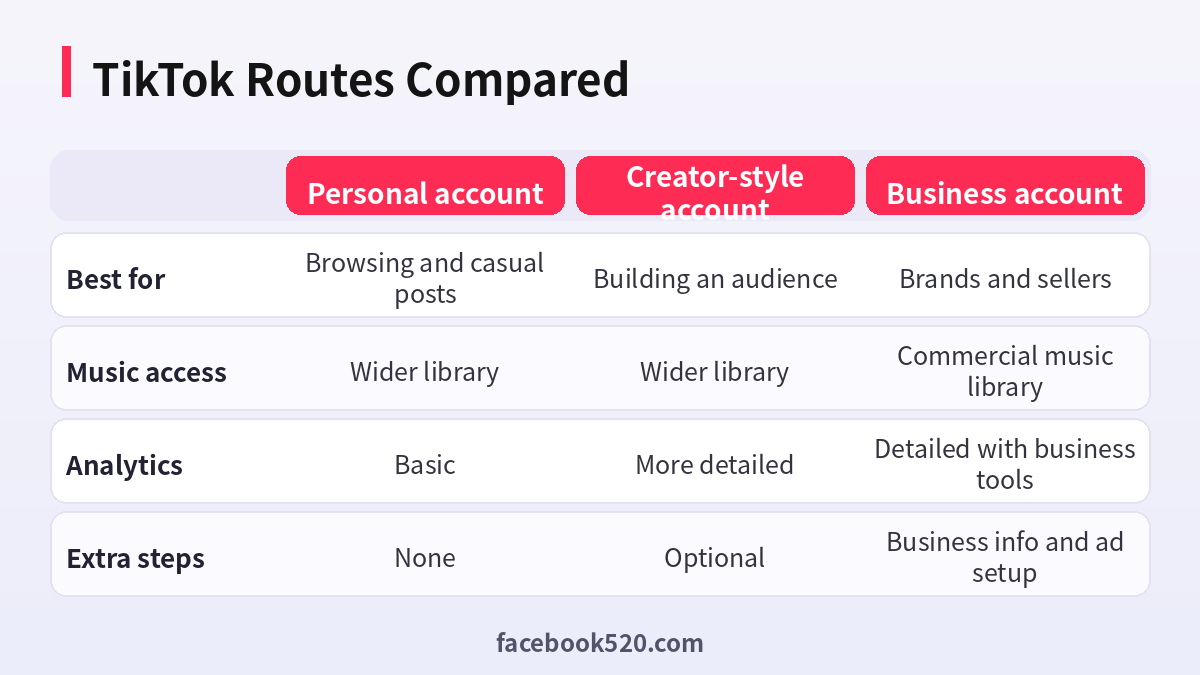
| Factor | Personal account | Creator-style account | Business account |
|---|---|---|---|
| Best for | Browsing and casual posts | Building an audience | Brands and sellers |
| Music access | Wider library | Wider library | Commercial music library |
| Analytics | Basic | More detailed | Detailed with business tools |
| Extra steps | None | Optional | Business info and ad setup |
Verdict: Start with a personal account, add your niche in the bio and profile, and switch to a Business account only if you will run a brand, a shop or ads. Do not create many accounts at once from the same device and network.
Setting up TikTok in the first days
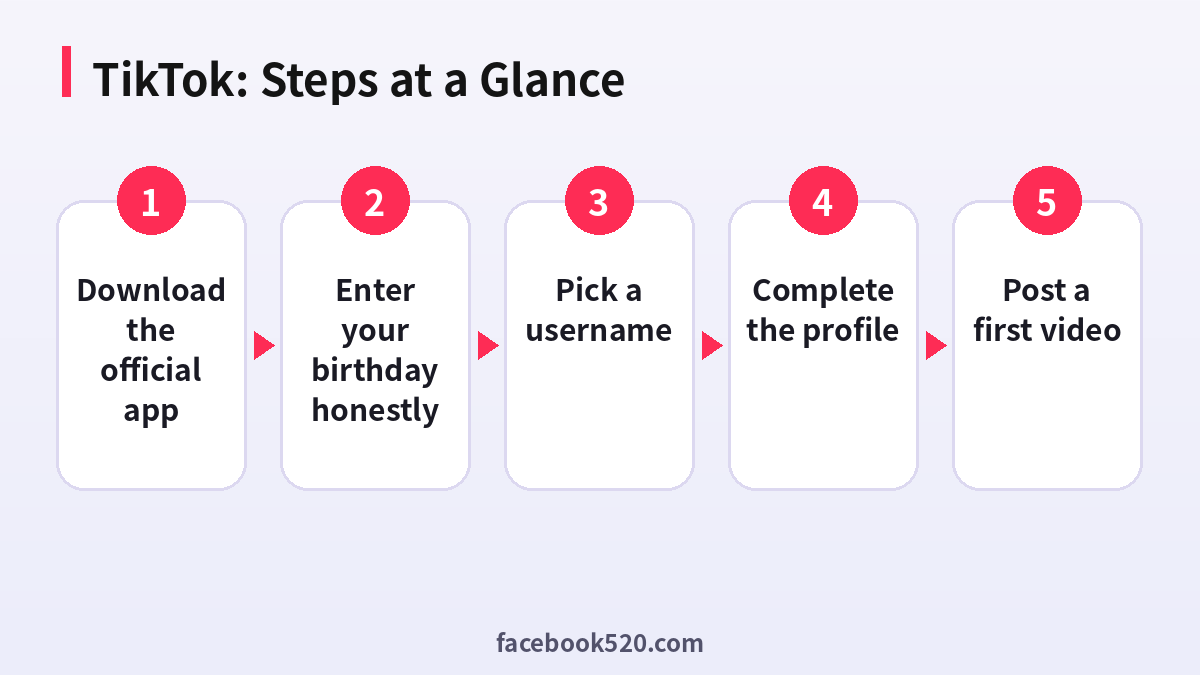
- Download the official app: Install TikTok from the official store for your device and open it.
- Choose how to sign up: Use phone, email or a linked account, and pick the method you can keep access to.
- Enter your birthday honestly: Age affects features and safety settings, so enter it accurately.
- Pick a username: Choose something short and consistent with the name you will use on other platforms.
- Complete the profile: Add a clear photo, a bio, and a link if the option is available.
- Review privacy and safety: Check who can comment, message and duet with you, and set limits as needed.
- Post a first video: Share a simple, original video, and respond to comments in the first days.
TikTok Troubleshooting Table
| Symptom | Likely cause | What to do |
|---|---|---|
| Verification code not received | Carrier delay or the number is blocked | Wait a minute, request again, or use email. |
| Too many attempts | Repeated sign-up tries from the same device | Wait for the cooldown period before trying again. |
| Username not available | Someone already uses it | Add a detail like a year or niche word. |
| Account banned shortly after sign-up | Automated systems flagged behaviour | Use the in-app appeal, and avoid repeated new accounts. |
| Cannot switch to a Business account | Account too new or region not supported | Wait a few days and check your region. |
| Videos get no views | New accounts need time and consistent posting | Post regularly and avoid reposting other creators’ content. |
Choosing a username you will keep
Your username appears in your profile link and in every comment you make. Changing it later is possible only under limits, so select a name that is easy to spell and consistent across platforms. If you plan to sell, check that the name does not conflict with an existing brand.
Understanding the For You feed
TikTok recommends videos based on your viewing, likes, shares and follows. A new account has no history, so your first days of activity teach the system what you like. Interact with content from your niche so your feed becomes useful.
Making a second account properly
Use the account switcher in the profile menu to add a second login. Give each account a separate email, a clear purpose and different content. Do not register many accounts in a short time from the same device, since the system treats this as suspicious.
Privacy basics for new users
Review Privacy settings immediately: set the account to private if you want to approve followers, choose who can message you and decide whether your account can be suggested to others. These settings are easy to forget and easy to fix.
Business account features
A Business account offers a business-appropriate music library, analytics and a place for a website link. Some features such as TikTok Shop and advertising require additional steps and approvals that depend on region.
Posting rhythm for beginners
Aim for a small number of posts per week that you can sustain, and respond to comments in the first hour when possible. A steady cadence beats a burst of many posts followed by silence.
What to avoid in the first week
Avoid mass following and unfollowing, repeated identical comments and reposting content from other creators. These behaviours are quick ways to receive limits. Treat the first week as a trust-building period.
Choosing between phone, email and linked sign-up
Phone sign-up makes recovery easy but ties the account to a number, email sign-up is flexible but depends on inbox security, and linking another account is convenient but links the fate of two accounts. Pick the one whose recovery you control best.
Community guidelines in plain terms
TikTok removes content that is harmful, misleading or infringes on others. New creators are most often caught by copyrighted music used outside the allowed library, reposted content and misleading claims. Read the guidelines once, and favour original footage and licensed sounds.
Building a niche in the first month
Pick one topic, post consistently, and use the same type of hook in the first seconds. Review the analytics to see which videos retain viewers, and repeat what works. A clear niche helps the recommendation system understand who should see your videos.
Handling comments and messages
Respond to early comments to encourage conversation, filter offensive words in the comment settings, and be careful with links in direct messages. Scammers often target new accounts, so treat unexpected offers and verification requests with suspicion.
Device and network hygiene
Avoid signing up for several TikTok accounts from the same phone in one afternoon. Use your normal network, keep the app updated and avoid emulators or modified apps, which are commonly associated with automated accounts and are flagged quickly.
Live streaming and gifts
LIVE has its own minimum requirements, such as age and follower thresholds that can change by region. Check the creator centre before planning around it, and never rely on a single stream for income when you are just starting.
Linking other platforms
You can add links to other platforms from your profile when the option is available. Use them to send followers to your channel or shop, and keep brand names and usernames aligned so people can find you easily.
Content ideas that suit new accounts
Start with how-to clips, short behind the scenes moments, quick reviews and answers to questions people ask you. These formats are simple to produce and suit the way TikTok recommends content to people who have never heard of you.
Reading your analytics
Look at average watch time and the share of viewers who watch to the end, not only at views. A video with fewer views but high retention tells you what to repeat, while a video with many views and low retention may only be attracting the wrong audience.
Keeping your account recoverable
Add both an email and a phone number if possible, and keep access to both. If you sell products later, a recoverable account protects your income stream, so treat these details as part of your business infrastructure.
Region and language considerations
The For You feed, available features and even the sign-up options change from country to country. If you create content in more than one language, choose one primary language per account at the start. Mixed-language accounts confuse the recommendation system and make it harder for viewers to know what to expect when they follow you.
A realistic expectation for week one
Most new accounts get very few views at first, and that is normal. The goal for the first week is to finish setup, learn which videos hold attention and build a posting routine. Treat early metrics as feedback rather than as a verdict on your idea.
TikTok Checklist
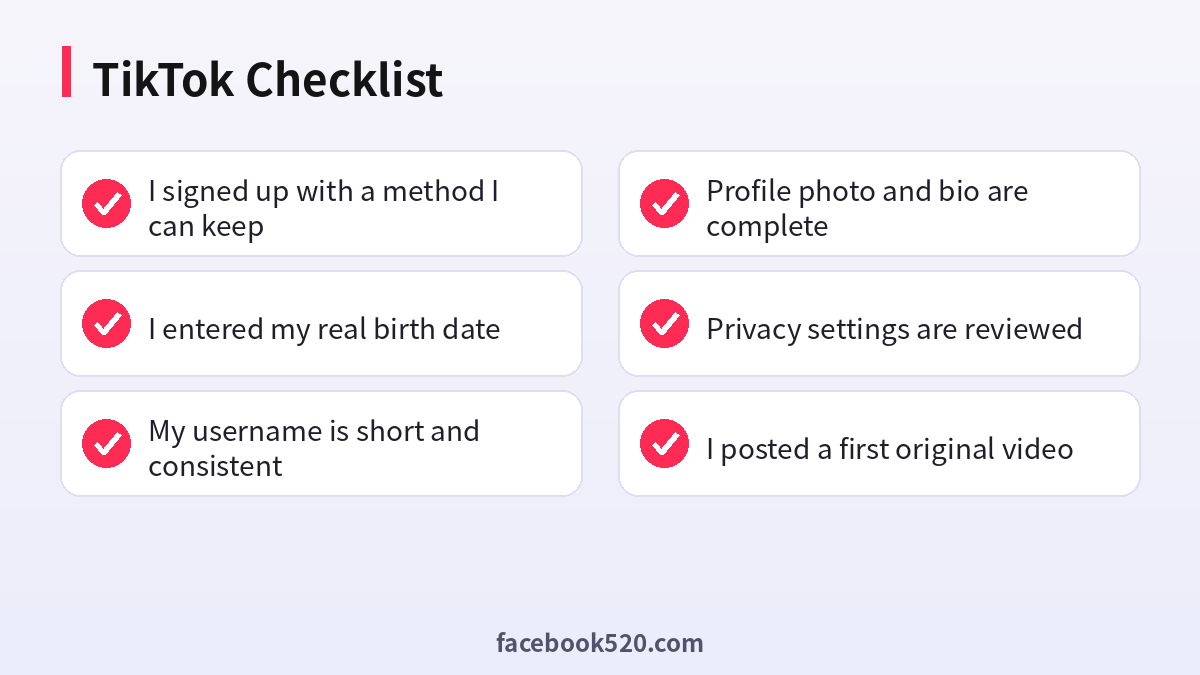
- I signed up with a method I can keep
- I entered my real birth date
- My username is short and consistent
- Profile photo and bio are complete
- Privacy settings are reviewed
- I posted a first original video
- I decided whether Business is needed
FAQ
Is TikTok free?
Yes, creating an account and using the app is free.
Can I use TikTok without an account?
You can browse some videos without signing up, but you need an account to post, comment and follow.
What is the minimum age?
Generally 13, and higher in some countries.
Can I change my username?
Yes, with a waiting period between changes.
How do I switch between accounts?
Tap your username on the Profile page and pick the account you want.
Do I need a phone number for TikTok?
You can often sign up with an email, but a phone number helps recovery. Use whichever you can keep.
Is a Business account free?
Switching to a Business account is free. Costs arise from ads or optional tools.
How many TikTok accounts can I have?
You can add multiple accounts on one device through the account switcher, but each needs its own login and should follow the community rules.
Why is my TikTok sign-up blocked?
Too many attempts, a flagged device or network, or a region limitation. Wait and try again later.
How do I delete my TikTok account?
Use Settings and privacy, then Account, then Deactivate or delete account. There is a waiting period before final deletion.
Does TikTok require ID?
Normally not for sign-up, but some features and age checks may request additional verification.
Is TikTok Shop available everywhere?
No. Availability depends on region and seller eligibility.
What is a good bio for a new account?
A short line describing your niche, language and posting schedule works well.

