

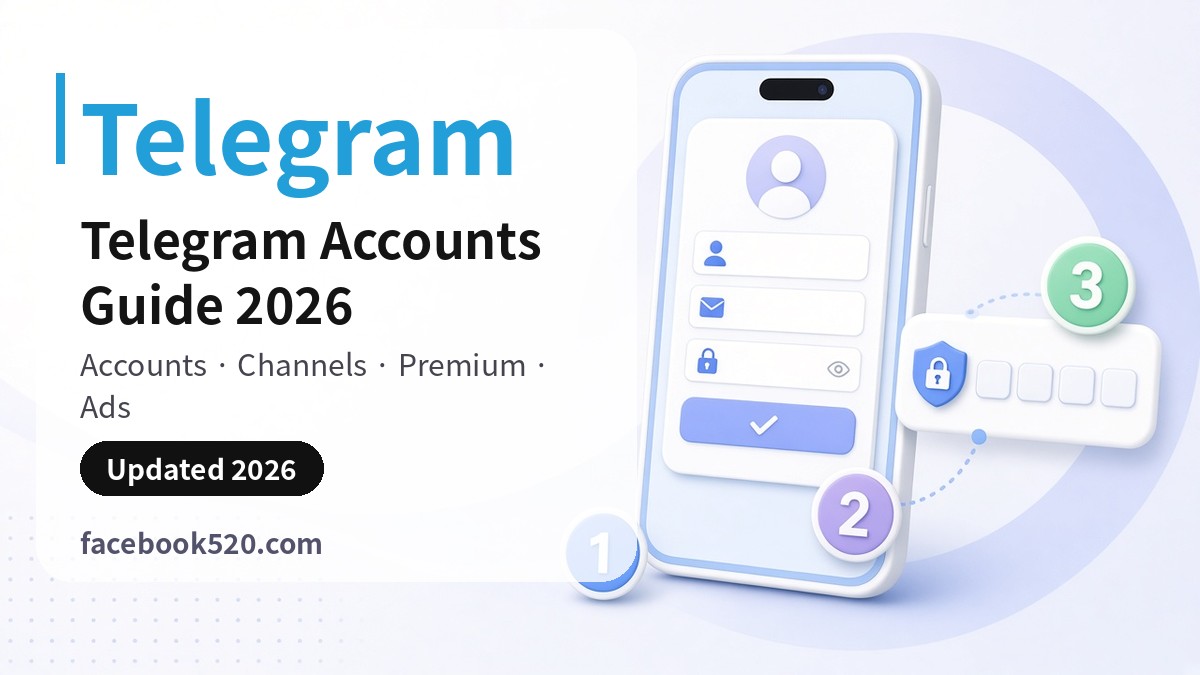
Telegram Accounts Guide 2026: Personal Accounts, Channels and Groups, Telegram Premium, Ads and Security
Telegram is a messaging platform where your phone number is your account. One number maps to one account, and login codes arrive either in the Telegram app on a device where you are already signed in or by SMS. On top of the account you can run public or private channels (one-way broadcasts), groups (large group chats with admin controls) and bots, which is why so many brands use Telegram for communities, support and content distribution.
This hub collects our English Telegram guides on sign-up, Telegram Premium, account recovery and the risks of buying accounts, and lists every Telegram article on the site in all 15 languages at the bottom of the page.
Last reviewed: 2026-11-17 · 37 guides in 15 languages
Account and feature types at a glance
| Type | What it is | What to check |
|---|---|---|
| Personal account | The base account, registered to a phone number, with an optional @username | A number you will keep long-term, a two-step verification password, the Devices list |
| Channel | A one-way broadcast feed for news and updates | Owner and admin list, public or private link, post signatures |
| Group | A chat space for many members with admin permissions | Admin rights, anti-spam settings, join requests |
| Bot | An automated account created with @BotFather | Where the bot token is stored and which account owns the bot |
| Telegram Premium | The official paid subscription with higher limits and extra features | Where you subscribe (in-app or @PremiumBot) and how renewal works |
| Official ad platform | Sponsored messages shown in large public channels | The billing method and minimums stated on the official ad platform |
How Telegram accounts differ
Unlike Facebook or Instagram, Telegram has no email-only sign-up: the phone number is the account. Two things follow. First, if your number lapses and the carrier reassigns it, the new owner could register it and take over the account, so a two-step verification password is essential. Second, second-hand “session” or “aged” Telegram accounts can be reclaimed at any time by whoever controls the original number, which makes buying them far riskier than on other platforms.
Telegram also lets you hide your number and be reached by username only, with separate controls for last seen, profile photo and forwarded messages. Teams running channels should register the owner account on a company number and give staff admin rights instead of sharing one login. Start with Telegram Sign Up (2026) and the broader Telegram Account 2026 guide.
Premium and official ads
Telegram Premium pricing varies by country and by where you buy it (iOS, Android in-app or @PremiumBot), so check the price shown in the app. What Premium includes and the ways to pay are covered in Telegram Premium Subscription 2026. Telegram’s official ad platform sells sponsored messages in large public channels; account opening, billing and minimum budgets are set out on the official ad platform. For other payment questions across platforms, see Payment Methods for Ads and Subscriptions.
Checklist before you sign up, buy or run a channel
- Register with a number you own and will keep; never use public SMS-receiving numbers.
- Set a two-step verification password with a recovery email straight away.
- Review Settings › Devices regularly and terminate sessions you do not recognise.
- Give channels and groups at least two trusted admins so one lost account does not lock you out.
- Do not buy “session”, “aged” or “verified” accounts; the original number holder can reclaim them.
- Mass messaging and bulk adding users triggers limits; use channels, bots and official ads for marketing.
Guides in English
Getting started: sign-up and setup
Buying and choosing
- Telegram Account 2026: How to Create, Secure, Upgrade and Manage Your Telegram Account, Phone Number Rules, Premium and Why Buying Accounts Is Risky
- Buy Telegram Accounts (2026): Account Types, Pricing & What to Check Before You Buy
Payments, subscriptions and ads
Bans, recovery and appeals
Related hubs: Buying Social Media Accounts: Risk Checklist, WhatsApp Accounts Guide, Discord Accounts Guide, X / Twitter Accounts Guide and all platform hubs. Chinese version: Telegram账号专题.
FAQ
Can I sign up for Telegram without a phone number?
No. Creating a Telegram account requires a phone number, and the account is tied to it. After sign-up you can hide the number and let people reach you by username only.
Why am I not receiving the Telegram login code?
If you are signed in on another device, the code is sent there inside the Telegram app first; otherwise it comes by SMS. Check the country code, wait for the timer and retry, or choose the phone call option.
What should I do if my Telegram account is banned?
Check whether the account sent bulk messages or added people to groups in bulk, then follow the in-app prompt to contact Telegram support and explain the situation. Our recovery guide walks through the common cases.
How much does Telegram Premium cost?
It depends on your country and where you subscribe; in-app and @PremiumBot prices can differ. Use the price shown in your app as the reference.
What is the difference between a channel and a group?
A channel is a one-way broadcast where only admins post. A group is a shared chat where members can talk, better suited to communities and support.
Guides in every language
Every Telegram guide on Facebook520, grouped by language (newest first).
简体中文
- Telegram账号注册与开通教程:Telegram个人号/企业号、广告开户、充值与付款方式、老号购买指南
- Telegram广告充值与付款方式教程(2026):充值流程、支付渠道与常见问题
- Telegram账号注册与开通教程(2026最新):步骤、所需材料与常见问题
- Telegram账号购买指南(2026):账号类型、价格参考、购买流程与售后
English
- Telegram Account Recovery 2026: Code Not Received, Banned Account, Two-Step Password and Contacting Telegram Support
- Telegram Account 2026: How to Create, Secure, Upgrade and Manage Your Telegram Account, Phone Number Rules, Premium and Why Buying Accounts Is Risky
- Telegram Premium Subscription 2026: What It Includes, Ways to Pay, Gifting, Cancelling and Whether Telegram Costs Money
- Buy Telegram Accounts (2026): Account Types, Pricing & What to Check Before You Buy
- Telegram Sign Up (2026): Step-by-Step Guide to Create a Telegram Account
繁體中文
- Telegram 收不到驗證碼怎麼辦 2026:簡訊、App 內驗證碼、語音來電與封鎖號碼完整排查
- Telegram 註冊教學 2026:手機與電腦申請帳號、Email 與號碼問題、驗證碼收不到與安全設定
- Telegram 收費嗎?2026 完整說明:免費功能、Telegram Premium 付款方式、Stars 星星、廣告付款與扣款、取消訂閱與常見問題
日本語
한국어
Deutsch
- Telegram Account gehackt 2026: Was tun? Sofortmaßnahmen, Konto zurückholen, zweistufige Bestätigung und falsche Verifizierung erkennen
- Telegram Premium 2026: Kosten, Funktionen, kostenpflichtig oder gratis, Kauf über App Store, Stars und Alternativen
- Telegram registrieren 2026: Konto erstellen, Telefonnummer, Benutzername, Sicherheit und Premium im Überblick
- Telegram Sterne kaufen: So funktionieren Telegram Stars, wo man sie sicher erwirbt und warum Verkaufsgruppen und Account-Angebote riskant sind (2026)
Français
Español
Português
- Como saber se fui bloqueado no Telegram em 2026: sinais, testes seguros, diferença para conta excluída e o que fazer
- Telegram criar conta 2026: cadastro com número de telefone, versão web, nome de usuário, segurança e problemas comuns
Русский
- Telegram Premium в 2026 году: стоимость, способы оплаты и почему не стоит ставить неофициальные клиенты
- Регистрация в Телеграме 2026: как зарегистрироваться по номеру телефона, что делать, если не приходит код, и как защитить аккаунт
العربية
ไทย
Tiếng Việt
- Cách thanh toán Telegram 2026: Mua Telegram Premium, thanh toán quảng cáo Telegram Ads và các phương thức an toàn
- Mua acc Telegram: rủi ro khi mua tài khoản, các loại tài khoản và cách tạo tài khoản Telegram an toàn, miễn phí (2026)
- Đăng Ký Telegram Bằng Số Điện Thoại 2026: Tạo Tài Khoản, Đặt Tên Người Dùng, Không Nhận Được Mã và Bảo Mật Ngay Từ Đầu
Bahasa Indonesia
- Cara mengetahui Telegram diblokir 2026: tanda-tanda diblokir, cara memulihkan akun, kode verifikasi, dan verifikasi dua langkah
- Telegram Premium 2026: Cara Berlangganan Resmi, Metode Pembayaran, Telegram Stars, dan Bahaya Aplikasi Mod
- Daftar Telegram 2026: Cara Membuat Akun Telegram dengan Nomor HP, Lewat Web, Mengatur Username dan Mengamankan Akun Baru
Türkçe
- Telegram engel kaldırma (2026): engellendiğimi nasıl anlarım, engeli kaldırma adımları ve doğrulama kodu gelmiyorsa ne yapmalı
- Telegram kayıt ol 2026: Telegram hesabı nasıl açılır, numarasız kayıt, kod gelmiyor sorunu ve güvenlik ayarları
- Telegram hesap açma 2026: telefon numarasıyla ve numarasız hesap açma, işletme hesabı ve reklam hesabı oluşturma rehberi
- Telegram Premium 2026: Telegram ücretli mi, SMS ücreti, çıkartma paketleri, reklam faturası ve güvenli satın alma rehberi
- Telegram Abone Satın Al 2026: Üye, Eski Hesap Satın Alma Riskleri, Güvenli Alternatifler ve Gerçek Abone Kazanma Rehberi